Best Valorant Crosshair Codes by Color (Cyan, White, Green)
Best Valorant Crosshair Codes by Color (2026 Guide)
Finding the right shape is only half the battle. The Best Valorant Crosshair Codes by Color are designed to maximize contrast against specific map backgrounds. If you are playing on Ascent (Bright Blue Sky) or Bind (Yellow Sand), using the wrong color can make your crosshair invisible.
Below is the ultimate collection of color-optimized crosshairs. Whether you want the “Pro Cyan” used by TenZ or a high-contrast Green for visibility, we have tested these codes in Ranked play for Episode 9.
1. Cyan Crosshair Codes (The Pro Standard)
Cyan is widely considered the best color in Valorant. Why? Because it contrasts perfectly against the default “Red” enemy outlines. It is used by approximately 50% of VCT pros, including legends like TenZ.
2. White Crosshair Codes (The Cleanest Look)
White is the choice for players who want a minimal, non-distracting screen. It looks incredibly sharp in dark areas (like Hookah on Bind). However, be careful looking at the sky on Jett, as it can blend in without outlines.
3. Green Crosshair Codes (The CS Classic)
Green is the “OG” color from Counter-Strike 1.6. The human eye is evolved to see green more vividly than any other color. It provides excellent visibility on almost every map except maybe Viper’s Pit.
4. Red Crosshair Codes (Aggressive)
Using a Red crosshair is controversial because it matches the enemy outline color. However, some players (like ScreaM) have used dots that mimic this style. It feels aggressive and stands out on blue/green map textures.
5. Pink Crosshair Codes (High Contrast)
Pink is an underrated choice for Valorant Crosshair Codes by Color. It is an “unnatural” color, meaning it rarely appears in the map environment, ensuring you never lose track of your center screen.
How to Import These Codes
If you are new to Valorant, importing these settings is easy. Follow these steps:
- Copy the code from the buttons above.
- Open Valorant and go to Settings > Crosshair.
- Click the “Down Arrow” icon (Import Profile).
- Paste the code and click Import.
Frequently Asked Questions
What is the best crosshair color for visibility?
Scientifically, Cyan and Green offer the highest contrast against Valorant’s map palette. This is why you see them most often in professional play.
Can I change the color of a pro crosshair?
Yes! Once you import a profile (like Tarik’s dot), you can simply go to the “Primary” tab and select a new color from the dropdown menu to suit your preference.
For more deep dives into settings, check out the analysis on VLR.gg regarding pick rates for crosshair colors in the VCT Americas league.
Deep Dive: Color Theory for Valorant Maps
Choosing the right Valorant Crosshair Codes by Color is not just about aesthetics; it is about “Color Theory.” Each map has a dominant color palette. If your crosshair matches the map, it becomes invisible during crucial flick shots.
Best Colors for Each Map
- Ascent & Icebox (Blue/Grey Dominant): Avoid Cyan or White. The best choice here is Red or Green to cut through the bright sky and grey walls.
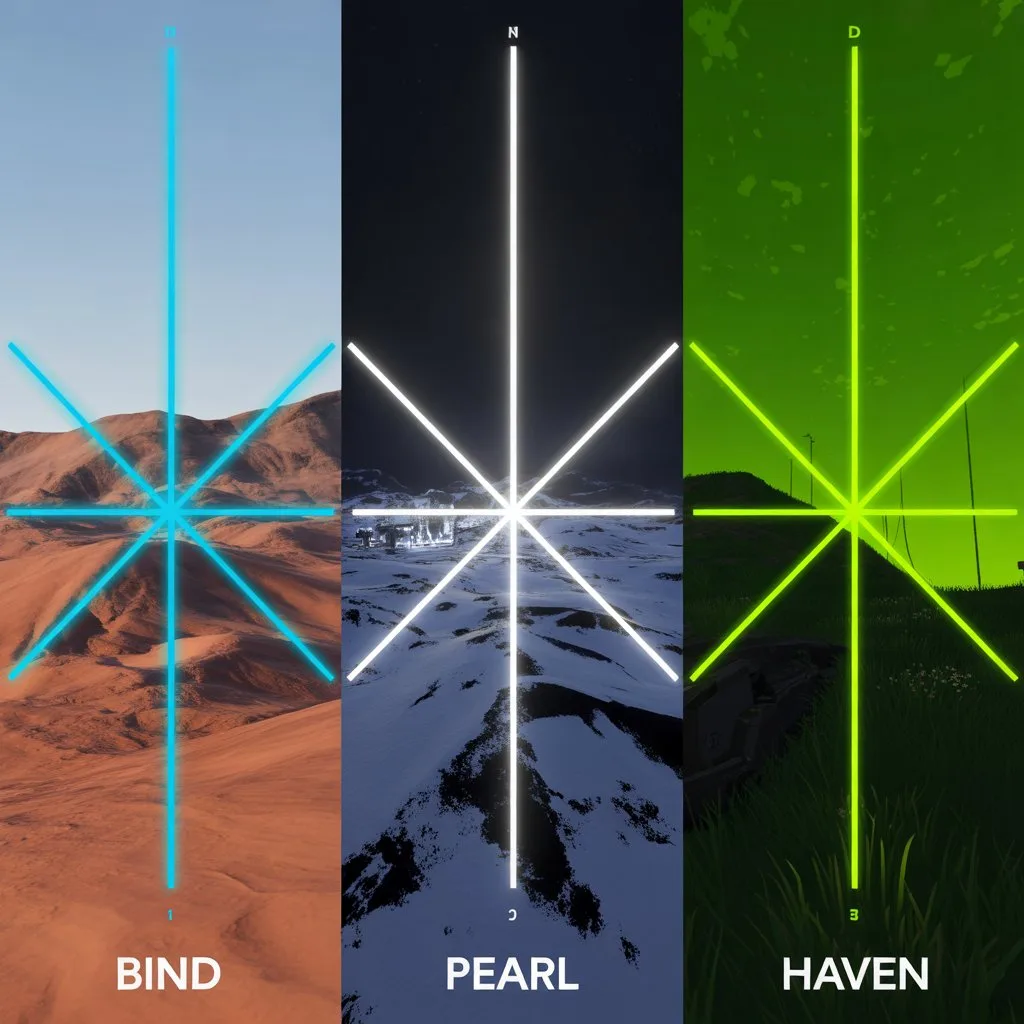
- Bind & Haven (Sand/Orange Dominant): Avoid Yellow or Red. The optimal color is Cyan because blue is on the opposite side of the color wheel from orange, creating maximum contrast.
- Pearl & Lotus (Dark/Green Dominant): Avoid Green. Use White or Pink to stand out against the dark corners and foliage.
How to Manually Edit Colors
Sometimes the preset Valorant Crosshair Codes by Color aren’t enough. You can fine-tune them using Hex Codes.
- Go to Settings > Crosshair > Primary.
- Change “Crosshair Color” to “Custom”.
- Input a Hex Code (e.g., #00FF00 for Neon Green).
By mastering these Valorant Crosshair Codes by Color, you ensure that your aim remains consistent regardless of which map you load into. Don’t let a camouflaged crosshair cost you a round.