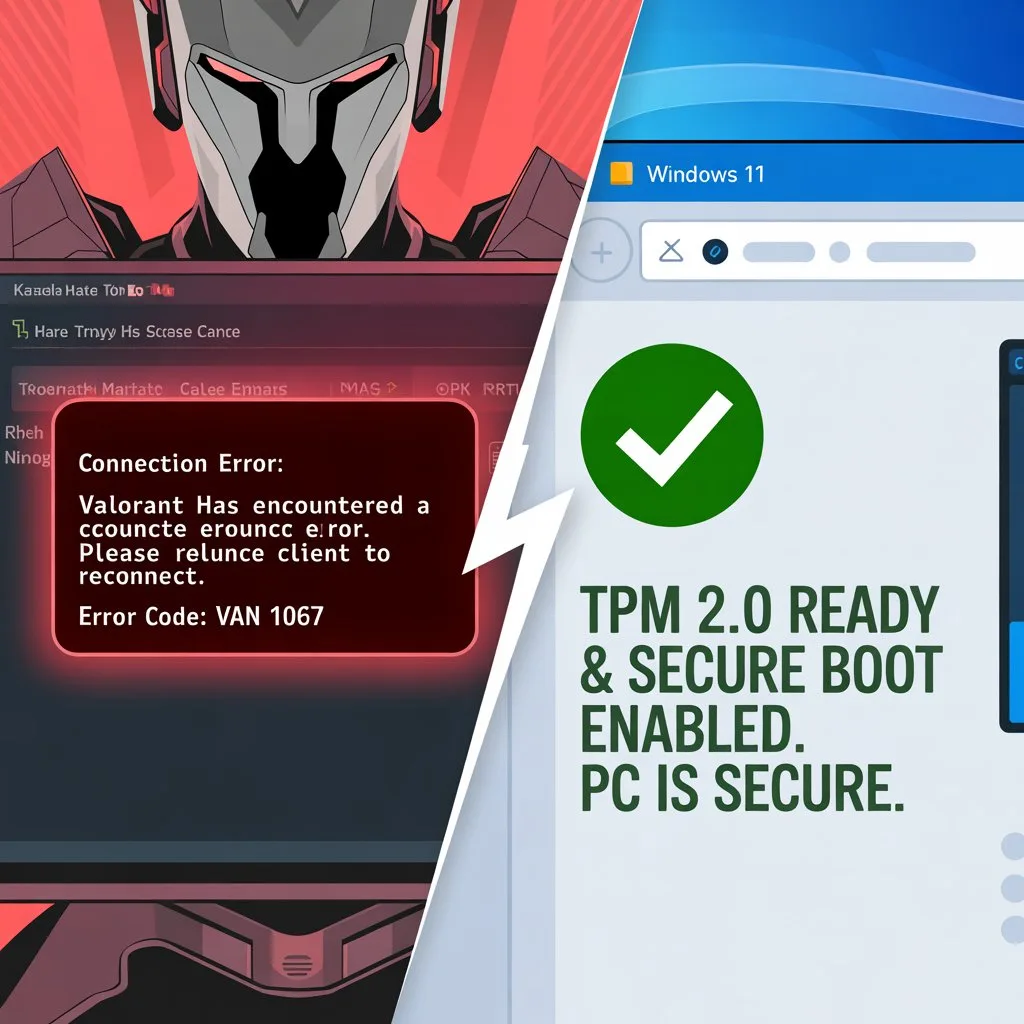
How to Fix Valorant Error Code VAN 1067 (Windows 11 TPM 2.0 Guide)
Related Guide: optimizing your PC? Check our Best Console Settings Guide.
Table of Contents
If you have recently upgraded to Windows 11, you have likely encountered the infamous Valorant Error Code VAN 1067. This error crashes your game immediately upon launch or disconnects you mid-match.
The good news? Your PC is not broken. This is a security feature enforcement by Riot Vanguard. To prevent cheaters, Valorant now requires TPM 2.0 and Secure Boot to be enabled.
What Causes Valorant Error Code VAN 1067?
Valorant’s anti-cheat system, Vanguard, runs at the “Kernel Level”. If your BIOS has “Secure Boot” disabled or the TPM 2.0 chip turned off, Vanguard cannot verify that your system is safe, so it blocks the game.
Step 1: Check if TPM 2.0 is Already Enabled
Before we fix the Valorant Error Code VAN 1067, let’s check if Windows can already see the TPM chip.
- Press Windows Key + R to open the Run box.
- Type
tpm.mscand hit Enter. - Look at the “Status” section.
- If it says “The TPM is ready for use”: You are good! Skip to Step 3.
- If it says “Compatible TPM cannot be found”: You must enable it in BIOS.
Step 2: How to Enable TPM 2.0 in BIOS
You will need to restart your computer and enter the BIOS menu. As your PC boots up, repeatedly press the DEL or F2 key.
For ASUS Motherboards
- Go to Advanced -> PCH-FW Configuration.
- Enable Firmware TPM.
- Go to Boot -> Secure Boot -> Windows UEFI Mode.
For MSI Motherboards
- Go to Security -> Trusted Computing.
- Enable Security Device Support.
- Set BIOS Mode to UEFI and Enable Secure Boot.
For Gigabyte Motherboards
- Find Intel PTT or AMD fTPM and Enable it.
- Disable “CSM Support” and Enable Secure Boot.
Step 3: The “VGC” Service Fix
Even with BIOS fixed, sometimes the Vanguard service fails. This is a common cause of the error.
- Press Windows Key + R and type
services.msc. - Find vgc, right-click, and select Properties.
- Change “Startup type” to Automatic and click Start.
Conclusion
The Valorant Error Code VAN 1067 is annoying, but purely a settings issue. Once you enable TPM 2.0 and Secure Boot, your PC is secure and ready for Ranked.
Still crashing? Contact Riot Games Support.