Zekken Valorant Crosshair & Settings (2026)
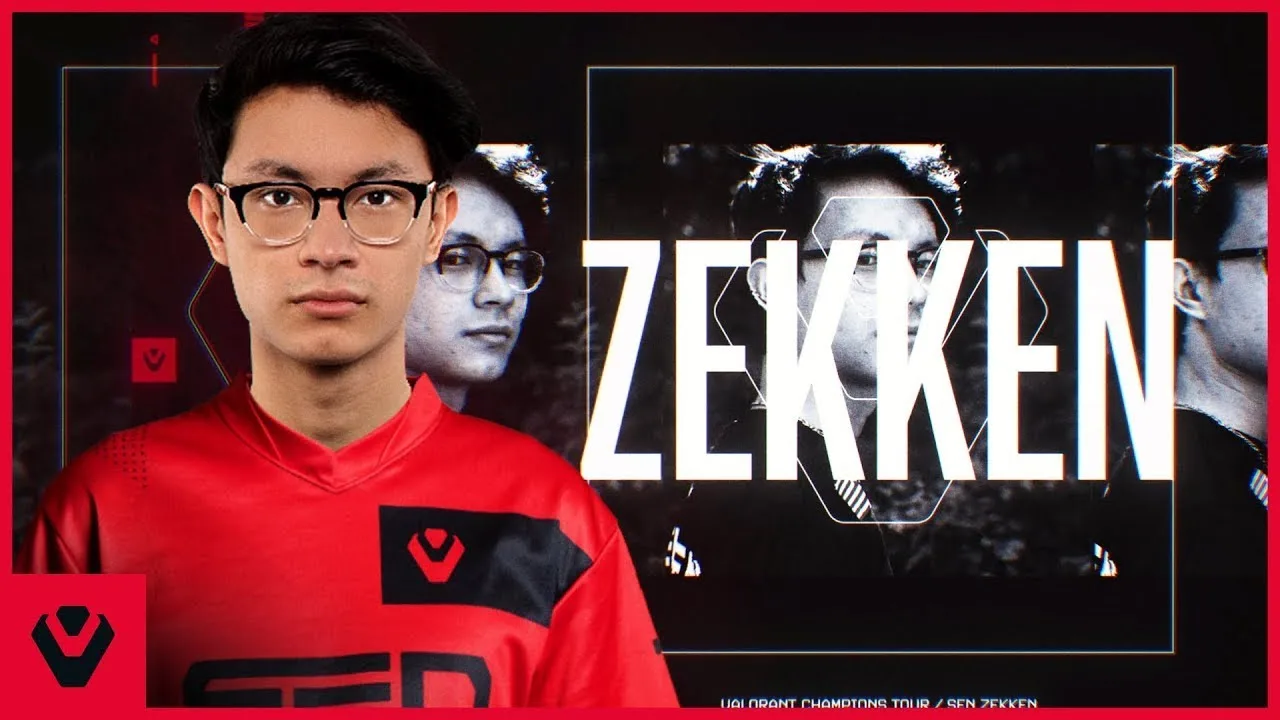
If you want to aim like the Sentinels superstar, you need the correct Zekken Valorant Crosshair & Settings. As one of the most mechanically gifted Duelists in the VCT Americas league, Zekken (Zachary Patrone) has defined the meta for aggressive entry-fragging. His configuration is optimized for rapid target switching and precise micro-adjustments.
In this comprehensive guide for 2026, we break down the exact Zekken Valorant Crosshair & Settings, including his unique 1600 DPI mouse sensitivity, his video settings for maximum FPS, and the esports gear he uses to dominate the competition.
Zekken Valorant Crosshair & Settings (Code)
The most important part of the Zekken Valorant Crosshair & Settings is his reticle. He currently uses a compact White Dot with a thin outline. Unlike dynamic crosshairs that expand when you shoot, Zekken’s static dot remains perfectly still, allowing for consistent headshot placement at any range.
Zekken Mouse Sensitivity & DPI
A key aspect of the Zekken Valorant Crosshair & Settings is his high DPI. While many pros play on 400 or 800 DPI, Zekken plays on 1600 DPI. This higher sensor resolution reduces input lag and provides smoother cursor movement on high-refresh-rate monitors.
| Setting | Value |
|---|---|
| DPI | 1600 |
| Sensitivity | 0.175 |
| eDPI | 280 |
| Zoom Sensitivity | 1.0 |
| Hz (Polling Rate) | 4000Hz |
| Windows Sensitivity | 6/11 |
| Raw Input Buffer | On |
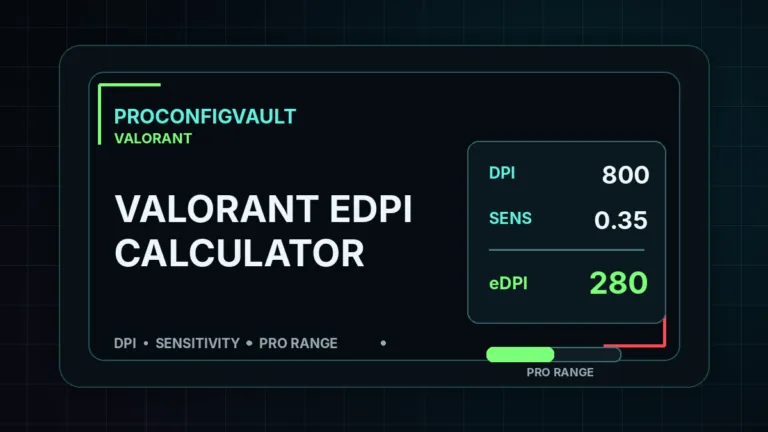
This sensitivity results in an eDPI of 280, which is considered “Medium-High.” It allows Zekken to clear corners quickly with small wrist movements while maintaining enough stability for long-range duels. To compare this with other pros, check out our full Valorant Pro Settings Database.
Zekken Video Settings for FPS
To fully utilize the Zekken Valorant Crosshair & Settings, you need high frame rates. Zekken plays on a 1920×1080 (Native) resolution. He keeps all graphics qualities on “Low” to ensure the game runs at a stable 360+ FPS, which is crucial for his 360Hz monitor.
| Setting | Value |
|---|---|
| Resolution | 1920×1080 (16:9) |
| Display Mode | Fullscreen |
| Material Quality | Low |
| Texture Quality | Low |
| Detail Quality | Low |
| UI Quality | Low |
| Vignette | Off |
| VSync | Off |
| Anti-Aliasing | MSAA 4x |
| Anisotropic Filtering | 8x |
| Bloom | Off |
| Distortion | Off |
Zekken Keybinds & Movement
Movement is just as important as aim. Zekken binds his “Jump” to Mouse Wheel Down. This is a standard technique among professional players to execute “Bunny Hops” consistently. By chaining jumps together, he can move around the map faster and make himself a harder target to hit.
| Action | Key |
|---|---|
| Walk | L-Shift |
| Crouch | L-Ctrl |
| Jump | Wheel Down |
| Ability 1 (Blast Pack) | Q |
| Ability 2 (Paint Shells) | E |
| Ability 3 (Boom Bot) | C |
| Ultimate (Showstopper) | X |
Zekken’s Gaming Gear (Peripherals)
You cannot replicate the full Zekken Valorant Crosshair & Settings experience without the right hardware. Zekken uses the Razer Viper V3 Pro, an ultra-lightweight wireless mouse that is perfect for his fingertip/claw grip style. He pairs this with the Wooting 60HE keyboard, which features “Rapid Trigger” technology for instant counter-strafing.
| Gear | Model |
|---|---|
| Monitor | ZOWIE XL2566K (360Hz) |
| Mouse | Razer Viper V3 Pro (White) |
| Keyboard | Wooting 60HE (Rapid Trigger) |
| Headset | HyperX Cloud II |
| Mousepad | Artisan Hayate Otsu |
For more official information on the game, you can visit the Official Valorant Website.
Summary
Adopting the Zekken Valorant Crosshair & Settings is a proven way to improve your mechanical consistency. His 1600 DPI ensures zero pixel skipping, while his 0.175 sens (280 eDPI) is a “sweet spot” that is fast enough to clear corners but slow enough to track heads perfectly.
If you are a Duelist main looking to carry your ranked games, copying these settings is the ideal starting point. It provides the consistency needed for clutching rounds while giving you the speed to entry-frag like a Radiant. For more player stats and match history, you can always check his profile on Liquipedia or the official leaderboard.
Remember, while settings help, practice is key. Good luck in your ranked matches!