Valorant Sensitivity Converter: Convert From CS2, Apex & Overwatch
This Valorant sensitivity converter helps you convert sensitivity from CS2, Apex Legends and Overwatch into Valorant using common cm/360 conversion ratios. You can also use it to check your Valorant eDPI and compare different mouse DPI settings.
Quick answer: If you are moving from CS2 or Apex to Valorant, divide your old sensitivity by about 3.1818. If you are moving from Overwatch 2 to Valorant, divide by about 10.6. Keep your mouse DPI the same for the cleanest conversion.
Last reviewed: August 2026. You can also compare general game information with the official Valorant website.
How This Valorant Sensitivity Converter Works
The calculator below uses common conversion ratios to give you a strong starting point when switching from another shooter into Valorant. It is designed for players who want their mouse movement to feel close to what they already use, instead of guessing a random Valorant sensitivity and changing it every match.
Valorant sensitivity:
Valorant eDPI: 252
Valorant Sensitivity Converter Formula
For the common tactical FPS switch, the clean conversion is based on cm/360 style yaw scaling, not just matching eDPI labels. CS2 and Apex use a similar sensitivity scale, so both commonly convert to Valorant by dividing by about 3.1818. Overwatch 2 uses a different scale, so the common Overwatch to Valorant conversion divides by about 10.6.
| From game | To Valorant | Example |
|---|---|---|
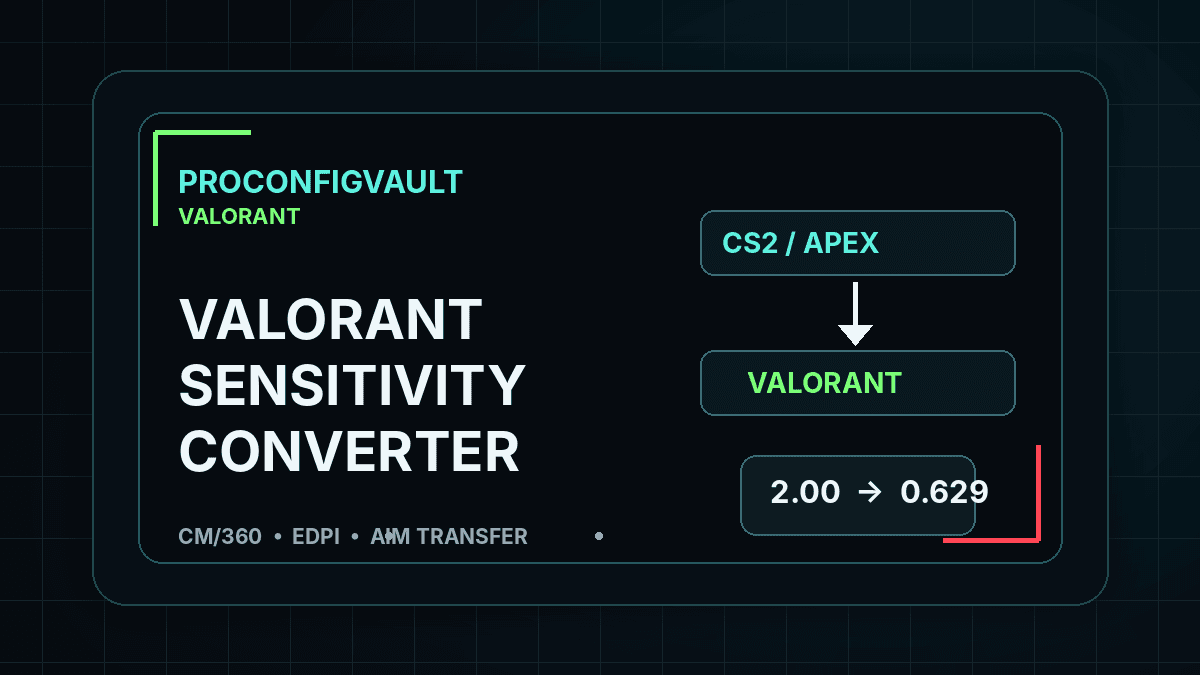
| CS2 / CS:GO | Old sensitivity ÷ 3.1818 | 2.0 CS2 → 0.629 Valorant |
| Apex Legends | Old sensitivity ÷ 3.1818 | 1.5 Apex → 0.471 Valorant |
| Overwatch 2 | Old sensitivity ÷ 10.6 | 5.0 OW2 → 0.472 Valorant |
Why eDPI Still Matters
eDPI = mouse DPI × in-game sensitivity. It is useful for comparing Valorant settings after conversion. For example, 400 DPI × 0.629 Valorant sensitivity = 251.6 eDPI. If another player uses 800 DPI and 0.314 sensitivity, that is almost the same eDPI, even though the in-game number looks different.
The Valorant sensitivity converter gives you the converted sensitivity, but eDPI helps you understand the result. Many Valorant players prefer a low-to-mid eDPI range because precise crosshair placement and small angle corrections matter more than fast 180-degree turns. The best value still depends on mousepad size, wrist or arm aiming style and comfort.
Common Valorant Sensitivity Starting Ranges
- Low sensitivity: 200–280 eDPI for controlled micro-adjustments and long-range taps.
- Balanced sensitivity: 280–400 eDPI for a middle-ground ranked setup that still feels flexible.
- High sensitivity: 400+ eDPI for faster turns, but with less margin for small aim corrections.
After using this Valorant sensitivity converter, test the result in the practice range, deathmatch and one unrated game before changing again. Constantly changing sensitivity makes it harder to build stable muscle memory.
CS2 to Valorant Sensitivity
For CS2 to Valorant sensitivity, enter your CS2 in-game value and divide by 3.1818. A CS2 sensitivity of 2.0 becomes about 0.629 in Valorant. If you keep the same DPI, this is the cleanest starting point. If you change DPI at the same time, calculate your new eDPI and compare it with your old comfort range.
Apex and Overwatch to Valorant Sensitivity
Apex to Valorant uses the same common divisor as CS2, so Apex 1.5 becomes about 0.471 Valorant. Overwatch 2 to Valorant uses a larger divisor, so Overwatch 5.0 becomes about 0.472 Valorant. These values are not magic numbers; they are starting points that let you enter Valorant with a familiar turning distance.
What to Do After Converting
- Keep your DPI unchanged for the first test.
- Use the converted Valorant sensitivity in the practice range.
- Check whether small corrections feel too slow or too fast.
- Adjust by small steps such as 0.02, not huge jumps.
- Compare your result with the Valorant Pro Settings Database.
FAQ
Is CS2 to Valorant sensitivity multiply or divide?
CS2 to Valorant is divide by about 3.1818. Valorant to CS2 is multiply by about 3.1818.
Does DPI change the conversion?
If DPI stays the same, convert only the in-game sensitivity. If DPI changes too, calculate your final eDPI after conversion.
Will the converted sensitivity feel exactly identical?
It is a strong starting point, but field of view, movement speed and game feel can still make small adjustments necessary.
Related: Best Valorant Settings · Valorant Pro Settings · Razer Viper V3 Pro Settings