Ultimate XANTARES Crosshair & CS2 Settings Guide (2026)
← Compare with Donk’s CS2 Settings
Ultimate XANTARES Crosshair & CS2 Settings Guide (2026)
In the highly mechanical world of Counter-Strike 2, few names strike as much fear into the hearts of defenders as İsmailcan “XANTARES” Dörtkardeş. The Turkish entry-fragger is so renowned for his blisteringly fast reflexes and aggressive wide-swings that the global player base officially named a mechanic after him: the “XANTARES Peek.” When he steps out from cover, enemies are usually dead before their monitors even register his character model.
However, executing a perfect wide-swing requires more than just confidence. It requires an incredibly tuned hardware setup. You cannot confidently clear tight angles or track moving heads through tiny gaps if you are playing on a sluggish sensitivity or a bulky, screen-blocking reticle. In this comprehensive 2026 configuration guide, we are breaking down the exact hardware and in-game settings used by the Eternal Fire superstar. We will cover the official xantares crosshair import code, his surprisingly high eDPI for entry fragging, his preferred monitor refresh rates, and the specific viewmodel he uses to maximize his peripheral vision.
The Official XANTARES Crosshair Code
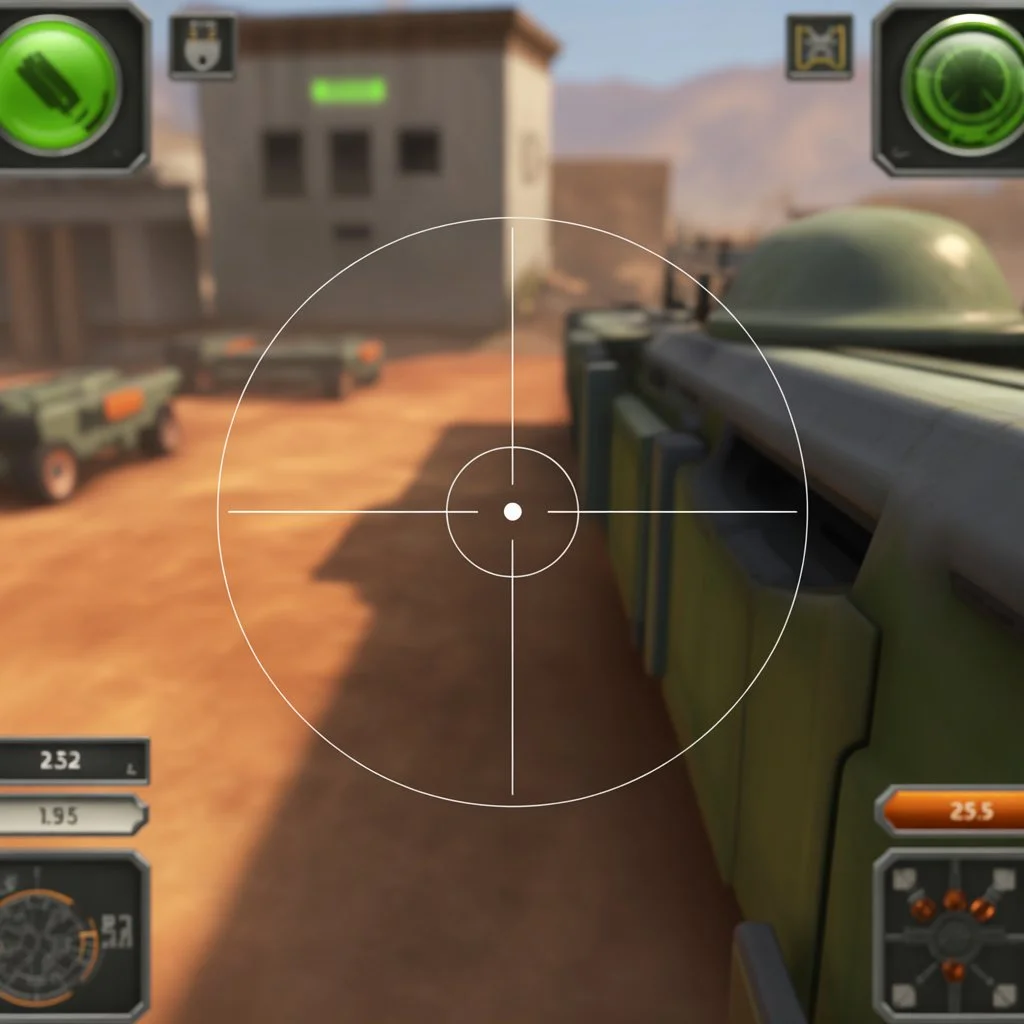
Unlike AWPers who prefer a tiny, static dot, or support players who use thick outlines, XANTARES uses a highly specific crosshair designed entirely for aggressive rifle play. When you are constantly swinging corners with an AK-47, you need a reticle that is visible against every map texture but thin enough not to obscure an enemy’s head at long range.
His preferred setup is a classic, thin green cross with no center dot and no outlines. This ensures maximum visibility against the sandy walls of Mirage or the grey concrete of Overpass, while forcing him to rely entirely on his raw mechanical centering.
🎯 CS2 Import Code
Copy this exact code to instantly import his reticle into your game:
CSGO-BzxAK-Zmw8T-KxjkP-R5o4p-4w8GQ
Manual Console Commands:
- cl_crosshaircolor 1
- cl_crosshairsize 2.5
- cl_crosshairgap -1.5
- cl_crosshairthickness 0
- cl_crosshair_drawoutline 0
- cl_crosshairstyle 4
- cl_crosshairdot 0
To see how this entry-fragging reticle compares to other top-tier pros like s1mple or m0NESY, check out our complete Pro Config Database.
Mouse Settings & Sensitivity (eDPI)
Your xantares crosshair will not help you land the legendary peek if your mouse sensitivity does not match his tracking speed. XANTARES is famous for playing on a higher sensitivity than the average CS2 professional. While many players stick strictly to 800 eDPI, he plays slightly higher, allowing him to check multiple corners incredibly fast without exhausting his arm.
- DPI: 400
- In-game Sensitivity: 2.00
- eDPI (Effective DPI): 800
- Zoom Sensitivity: 1.00
- Polling Rate: 1000Hz
- Windows Pointer Speed: 6/11 (Enhance Pointer Precision: OFF)
This exact sensitivity allows for rapid, fluid mouse movements. Because he relies on fast wrist-flicks rather than slow arm-sweeps, a high-quality, control-focused mousepad is strongly recommended to ensure the mouse stops exactly where you want it to.
Monitor Settings: The 4:3 Stretched Advantage
If you apply the xantares crosshair on a standard 16:9 1920×1080 monitor, it will look incredibly thin. Like the vast majority of CS2 professionals, XANTARES plays on a 4:3 Stretched resolution. Playing on a stretched aspect ratio physically widens the character models on your screen, making enemy heads appear larger and technically easier to click.
- Resolution: 1024×768
- Aspect Ratio: 4:3
- Scaling Mode: Stretched
- Refresh Rate: 240Hz or 360Hz (Depending on tournament hardware)
- Display Mode: Fullscreen
Playing at 1024×768 will make your game look slightly blurry compared to native 1080p, but the trade-off for wider enemy models and a significant boost in frames per second (FPS) is exactly what allows for the ultra-smooth XANTARES peek.
Advanced CS2 Viewmodel Settings
The Viewmodel dictates how your weapon and arms are positioned on your screen. XANTARES uses a highly optimized viewmodel that pushes the weapon far down and into the corner. This prevents his AK-47 model from blocking his peripheral vision when clearing tight angles like Mirage’s Connector or Inferno’s Banana.
Open your developer console (~) and paste these exact commands:
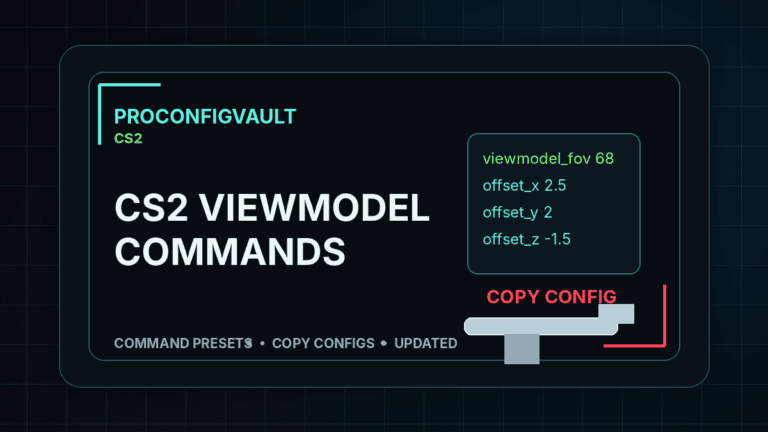
viewmodel_fov 68
viewmodel_offset_x 2.5
viewmodel_offset_y 0
viewmodel_offset_z -1.5
How to Import the Crosshair Code
If you are transitioning from standard configurations to professional settings, you do not need to manually type the cl_crosshair commands into your console.
- Launch Counter-Strike 2 and click the Settings (Gear Icon).
- Navigate to the Game tab, then click the Crosshair sub-tab.
- Click the button labeled Share or Import.
- Paste the
CSGO-BzxAK-Zmw8T-KxjkP-R5o4p-4w8GQcode into the box and click Import.
Frequently Asked Questions
What is the XANTARES peek?
The “XANTARES Peek” is a community term used to describe an incredibly fast, aggressive wide-swing around a corner. Named after the Turkish pro player, it relies on perfect crosshair placement and raw mechanical speed to eliminate an enemy before they can react.
What resolution does XANTARES use in CS2?
XANTARES plays on a 4:3 Stretched resolution at 1024×768. This stretches the game horizontally, sacrificing visual clarity in exchange for wider enemy character models and significantly higher frame rates.
What mouse sensitivity does XANTARES use?
He uses an eDPI of 800. This is achieved by combining a mouse DPI of 400 with an in-game sensitivity of 2.00. This provides a perfect balance between fast wrist-flicks for entry fragging and stable tracking for rifle sprays.