Donk CS2 Settings & Crosshair (2026 Verified)
Donk CS2 Settings & Crosshair Code: 2026 Pro Guide
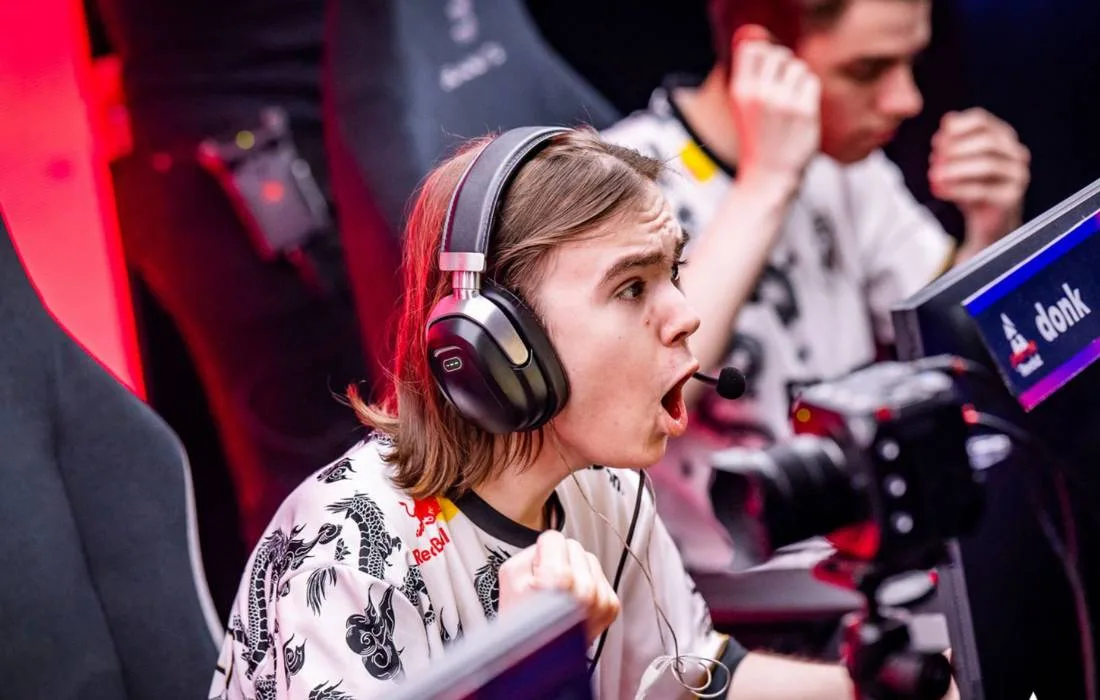
Danil “donk” Kryshkovets is the teenage prodigy for Team Spirit who completely shattered the Counter-Strike ecosystem. Known for his relentlessly aggressive “W-Gaming” playstyle, he destroys world-class defenders with raw, unfiltered mechanical aim. He holds multiple records, including the highest-achieved rating at his debut S-Tier LAN event (IEM Katowice), proving that his unique setup translates to unparalleled stage dominance.
Because he plays as a hard-entry fragger, mastering the exact donk CS2 settings is the first step for any player looking to improve their aggressive corner-clearing. Unlike the vast majority of professional players who rely on ultra-low sensitivities for stability, donk plays on a shockingly high sensitivity multiplier. This complete guide breaks down his high-speed mouse configuration, his custom hardware, and his stretched visual setup. You can view his complete match history and MVP medals on his official Liquipedia profile.
Donk Hardware Vault: The Prodigy Setup
A crucial part of optimizing your donk CS2 settings is ensuring your hardware can keep up with rapid, erratic wrist movements. He uses a highly specialized esports loadout to guarantee zero input lag during chaotic site executions. Here is his current 2026 competitive gear:
| Hardware Component | Model / Gear |
|---|---|
| Gaming Mouse | ZOWIE x donk Mouse (Custom Edition) |
| Esports Monitor | ZOWIE XL2586X+ (540Hz) |
| Keyboard | Logitech G Pro X Keyboard (GX Blue Clicky) |
| Gaming Headset | HyperX Cloud II |
| Mousepad | SteelSeries QcK+ |
Donk Mouse Settings & High eDPI
When examining the donk CS2 settings, his mouse configuration is what truly stands out. While the average HLTV top 20 professional plays around 600-800 eDPI, donk sits significantly higher. This requires incredible wrist control but allows him to snap to targets instantly.
- DPI: 800
- In-Game Sensitivity: 1.25
- eDPI: 1000
- Zoom/Scoped Sensitivity: 1.00
- Polling Rate: 1000Hz
- Windows Sensitivity: 4/11 (Lowered to balance the high in-game sens)
By pairing an 800 DPI with a 1.25 sensitivity, his 1000 eDPI gives him the mechanical freedom to check multiple angles in a fraction of a second without resetting his mouse to the center of his pad.
Donk CS2 Crosshair Code
Donk uses a small, classic static white crosshair. The white color provides a stark, clean contrast against the often dark and gritty textures of Counter-Strike maps.
🎯 Donk Pro Code
CSGO-HrUiH-P355t-uC8W2-daxQj-TyWjMConsole Command Alternative:
If you prefer to manually inject his crosshair via the developer console, copy and paste this exact string:
cl_crosshairsize 1; cl_crosshairthickness 0; cl_crosshairgap -4; cl_crosshaircolor 5; cl_crosshaircolor_r 255; cl_crosshaircolor_g 255; cl_crosshaircolor_b 255; cl_crosshairstyle 4; cl_crosshairdot 0; cl_crosshair_drawoutline 0;
Donk Video & Viewmodel Settings
The final pillar of the donk CS2 settings is his display configuration. Like many Eastern European pros, he plays on a heavily stretched resolution, which distorts player models to make them appear wider and slightly easier to track on his 540Hz monitor.
- Resolution: 1280×960
- Aspect Ratio: 4:3
- Scaling Mode: Stretched
- Display Mode: Fullscreen
- Anti-Aliasing: 8x MSAA
Viewmodel & Radar Commands:
He plays with a standardized viewmodel but utilizes an optimized radar setup to gather information faster while entry-fragging.
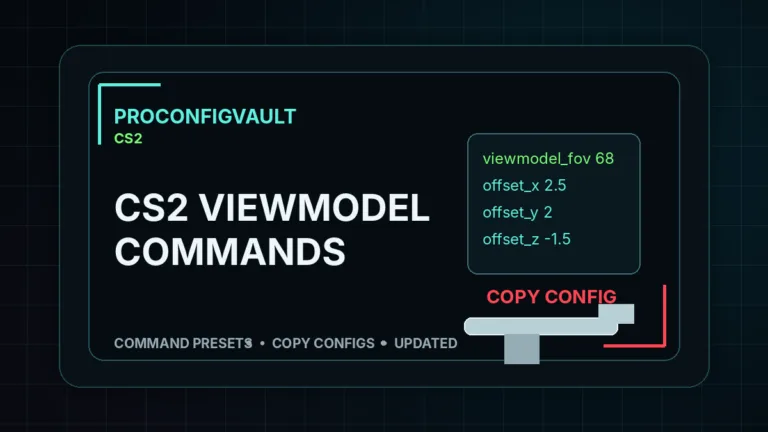
viewmodel_fov 68; viewmodel_offset_x 2.5; viewmodel_offset_y 0; viewmodel_offset_z -1.5; viewmodel_presetpos 2; cl_radar_always_centered 1; cl_radar_scale 0.7;
Frequently Asked Questions
Why is donk’s eDPI so high?
An eDPI of 1000 is exceptionally high for CS2, but it perfectly complements his hyper-aggressive playstyle. Because he is constantly rushing sites and breaking timings, the high sensitivity allows him to react instantly to enemies appearing from unexpected off-angles.
What keyboard does donk use?
He uses the Logitech G Pro X Keyboard equipped with GX Blue Clicky switches. These tactile, audible switches provide heavy feedback on every keypress, which many players prefer for precise counter-strafing.
How do I import the donk CS2 settings into my game?
To import his white crosshair, copy the share code provided in the box above. Open your CS2 settings menu, navigate to the “Game” tab, select “Crosshair,” click the “Share or Import” button, and paste the code.