Valorant eDPI Calculator: DPI, Sensitivity & Pro Ranges
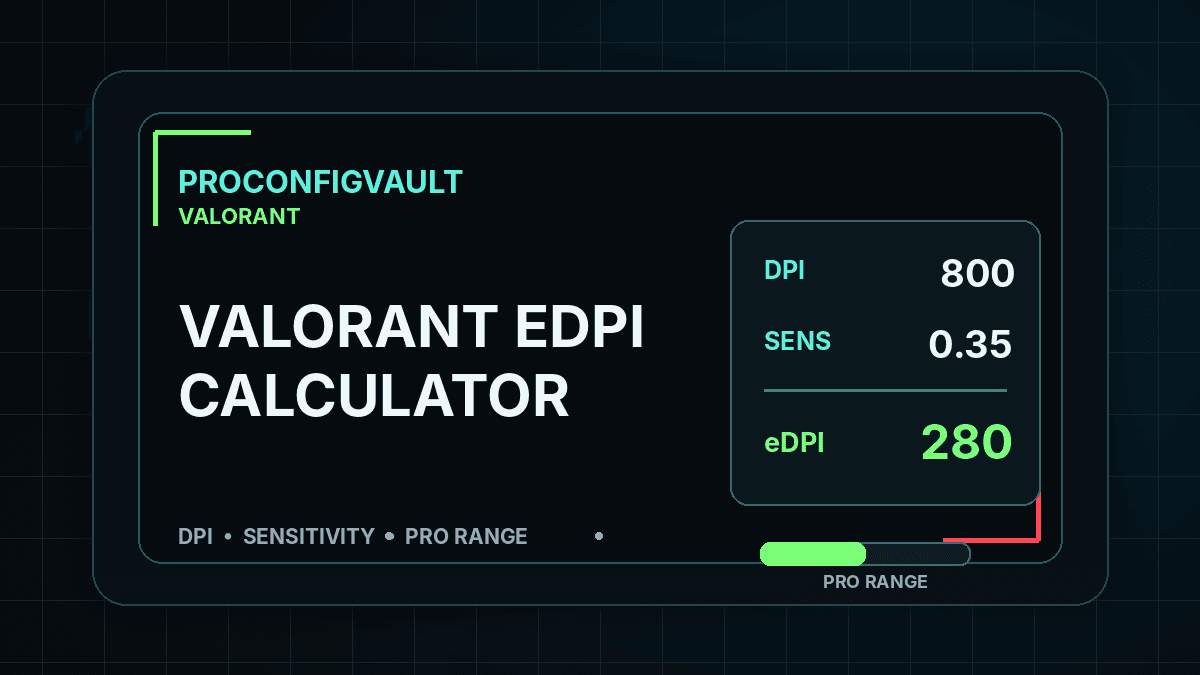
Valorant eDPI calculator: Enter your mouse DPI and Valorant in-game sensitivity to calculate your effective DPI instantly. The simple formula is eDPI = DPI × Valorant sensitivity.
Last reviewed: August 2026. eDPI is a comparison metric, not a guarantee of better aim. Use it to understand your setup and then test small changes in practice range, deathmatch and ranked warmups.
Valorant eDPI Calculator
This Valorant eDPI calculator is built for players who want a clean way to compare mouse sensitivity settings. Two players can have different mouse DPI and different in-game sensitivity but still land on almost the same eDPI. That makes eDPI useful when you compare your setup with a pro settings database or when you move from one mouse DPI to another.
Your Valorant eDPI:
Balanced low-to-mid range.
How to Calculate Valorant eDPI
The calculation is simple: multiply your mouse DPI by your Valorant sensitivity. For example, 800 DPI with 0.32 sensitivity equals 256 eDPI. A player using 400 DPI and 0.64 sensitivity also has 256 eDPI. The mouse hardware setting is different, but the final sensitivity comparison number is the same.
Use the eDPI result as a reference point, not a rule. Lower eDPI can make small adjustments easier, especially when holding tight angles. Higher eDPI can feel faster for clearing corners, flicking and turning around, but it can also make small headshot adjustments harder. The best value is the one you can repeat under pressure.
Valorant eDPI Ranges
| Range | Typical eDPI | Best for |
|---|---|---|
| Low | 180–260 | Controlled taps, Operator angles, long-range micro-adjustments. |
| Balanced | 260–380 | Most ranked players who want control without feeling too slow. |
| High | 380+ | Fast turning and wrist aim, but it requires steady control. |
Why Valorant eDPI Matters
Valorant rewards crosshair placement more than constant large flicking. Because of that, your sensitivity should help you place the crosshair at head level and make small corrections when an enemy swings. If your eDPI is too high, you may over-flick and miss easy shots. If it is too low, you may struggle to clear corners or react to wide swings.
The best way to use this calculator is to pick a starting number, test it for several matches, and adjust slowly. Do not change sensitivity after every bad game. Aim improvement needs consistency, and eDPI helps you keep that consistency measurable.
How to Use This With Pro Settings
When you open the Valorant Pro Settings Database, compare eDPI rather than only the in-game sensitivity number. A pro using 400 DPI and 0.5 sensitivity has 200 eDPI. A player using 800 DPI and 0.25 sensitivity also has 200 eDPI. The settings look different, but the final comparison is close.
You can also combine this tool with the Valorant Sensitivity Converter if you are moving from CS2, Apex or Overwatch into Valorant. Convert first, then use the eDPI calculator to understand where the new setting lands.
Recommended Testing Routine
- Calculate your current Valorant eDPI.
- Write down your current DPI, sensitivity and result.
- Play practice range bots for five minutes.
- Play one deathmatch without changing settings.
- Adjust by small steps only, such as 0.02 sensitivity.
- Keep the same setting for multiple games before deciding.
For official game information and updates, visit the official Valorant website.
FAQ
What is eDPI in Valorant?
Valorant eDPI is your mouse DPI multiplied by your in-game Valorant sensitivity. It lets you compare settings even when two players use different mouse DPI values.
Is lower eDPI always better?
No. Lower eDPI can improve control, but going too low can make clearing angles and reacting to wide swings difficult. Use a range that fits your desk space and aim style.
Should I copy a pro player eDPI?
You can use pro eDPI as a starting point, but you should test and adjust. Mousepad size, grip style, wrist or arm aiming and comfort all matter.
Related: Valorant Sensitivity Converter · Valorant Pro Settings · Best Valorant Settings