CS2 cm/360 Calculator: Measure Mousepad Travel
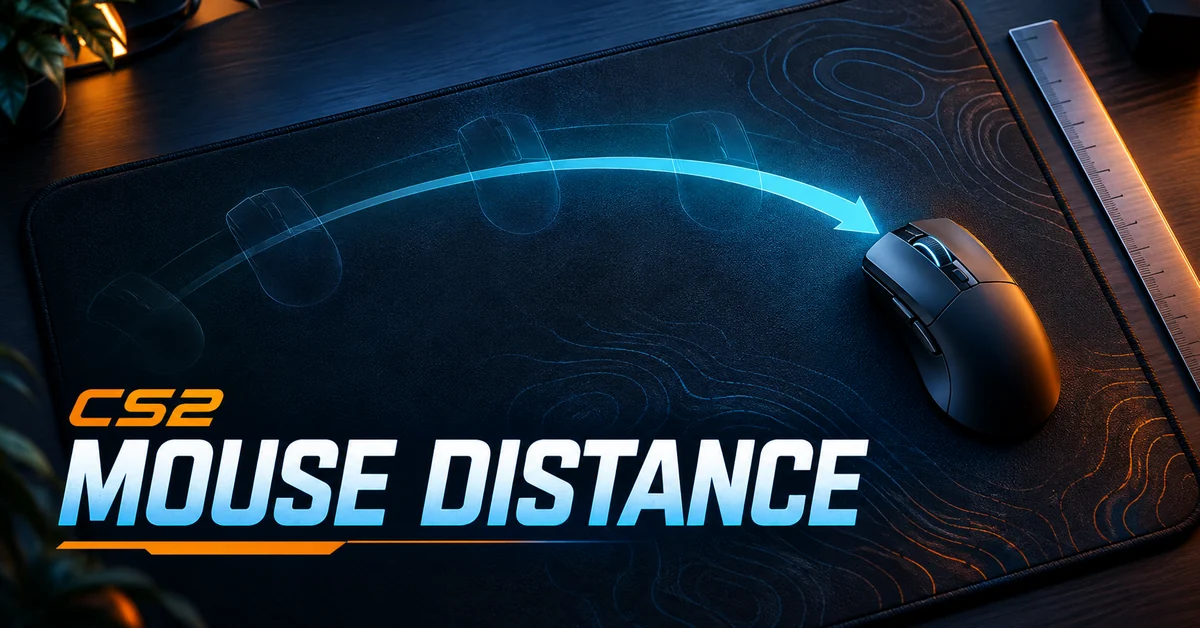
Measure how far your mouse travels for a known CS2 turn, repeat it, and compare that distance with the clear space on your mousepad. This calculator estimates cm/360 from your physical observations and exports the inputs with the result. It helps answer a practical question: does your current setup leave enough travel for the turn you are testing?
Prepared and reviewed: 19 October 2026. This is a measurement worksheet, not a professional-player setting record. The worked examples are invented numbers that demonstrate the arithmetic.
Measured-turn and mousepad-fit calculator
Enter a physical mouse-travel measurement for a known turn. Estimates assume linear, unzoomed rotation with unchanged settings. No engine yaw constant or player preset is assumed. Your inputs stay in this browser session.
Measure a turn you can identify reliably
- Use an unzoomed practice view. Record your DPI, sensitivity and relevant input configuration in your own notes.
- Choose a repeatable reference and a turn angle you can identify. If you cannot identify a 90 or 180 degree endpoint accurately, use a full return to the original heading or treat the result as approximate.
- Mark the mouse’s starting position, make the turn and measure physical travel. Avoid including movement made while lifting or repositioning the mouse.
- Repeat from the same start for up to three trials. Keep the turn angle and settings unchanged.
The median reduces the effect of one unusually high or low entry, but it does not correct a wrong angle or ruler reading. A wide trial range is a reason to improve the measurement before changing sensitivity. No device or game client is measured automatically by this page.
Understand the cm/360 estimate
The defined calculation is median measured travel × 360 / measured angle. If the invented half-turn trials are 24, 25 and 26 cm, their median is 25 cm. Under the stated linear-rotation assumption, the estimates are 50 cm/360, 25 cm/180 and 12.5 cm/90. The trial range is 2 cm.
The optional target calculation uses new sensitivity = current sensitivity × measured cm/360 / target cm/360. It assumes unchanged DPI and input behavior. With an invented current sensitivity of 2, measured distance of 50 cm/360 and a target of 40 cm/360, the estimate is 2.5. Apply a candidate only in your own controlled test, then measure again. This is a scaling estimate, not a recommended optimum.
Compare usable travel rather than the label on the pad
Measure clear mouse travel in the direction you are testing, starting from your normal position. Account for the mouse body, pad edge and any nearby obstruction. A pad’s advertised full width may differ substantially from the one-way travel available from that starting point.
The tool compares the estimated half-turn distance with the one-way travel you enter. It does not evaluate comfort, tracking quality, posture or whether a full turn without lifting is useful for your play. Test both directions separately if your available space differs.
Use the record for a repeatable comparison
Download the first measurement as a baseline. For a candidate, change one setting, repeat the same angle and measurement method, and download a second record. Return to the original setup if you want a restored comparison. Keep practice performance notes separate from distance: a mathematically matching turn does not establish better aim.
Why does this tool ask for measured travel instead of an engine constant?
Its purpose is to inspect your physical setup and repeatability. A DPI-and-sensitivity converter answers another useful question. Here, measurement assumptions and uncertainty stay visible, and no unverified current CS2 yaw value is presented as a publisher-confirmed fact.
Sources and related tools
Mouse Sensitivity in First-person Targeting Tasks, by Ben Boudaoud, Josef Spjut and Joohwan Kim, discusses physical displacement relative to camera rotation and cm/360 measurement. It is background research, not verification of this website’s calculator or current CS2 player settings. Its historical professional-settings dataset is not reproduced here.
For CS2 configuration-file loading, use autoexec diagnostics. For the separate task of translating listed sensitivity values, see the sensitivity converter and its stated assumptions. Neither page validates the physical measurements entered here.
Source reviewed 19 October 2026. The arithmetic and interface have preparation tests; native CS2 reproduction, individual hardware calibration and a universally best sensitivity are not claimed.